
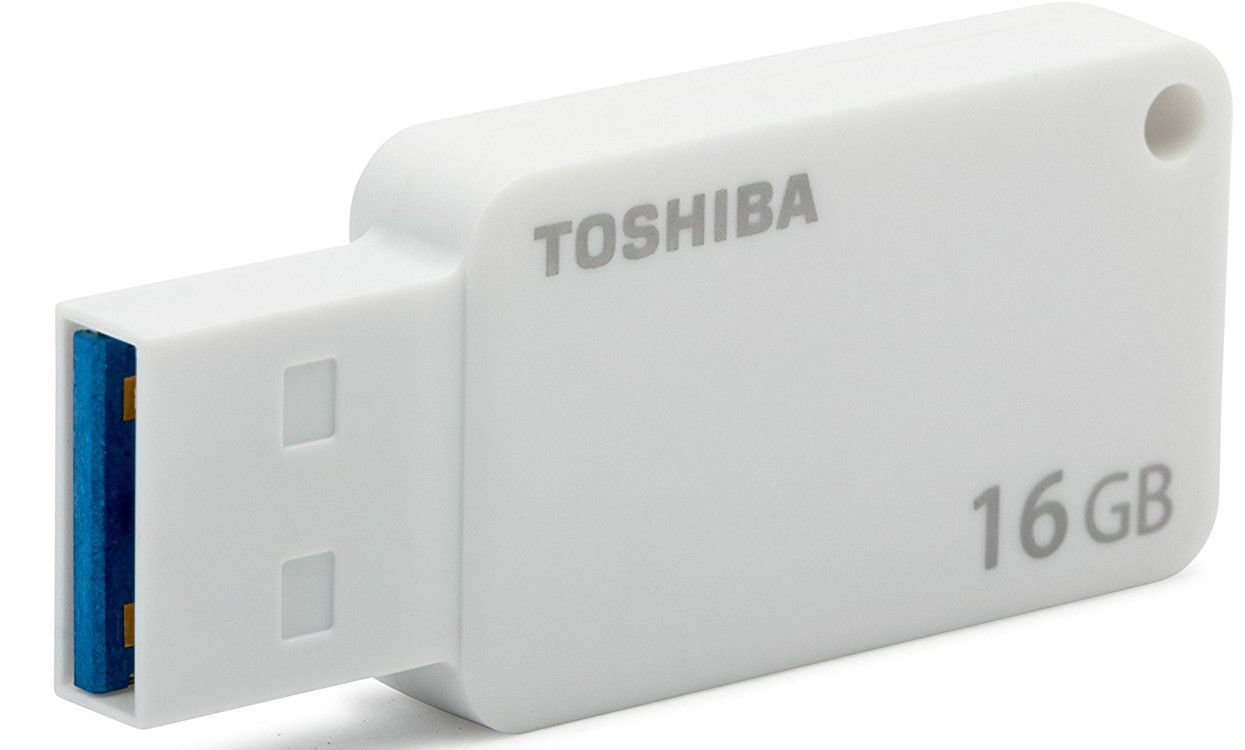
Insert a USB flash drive into a running computer.
Open a Command Prompt window as an administrator.
Type
diskpart.In the new command line window that opens, to determine the USB flash drive number or drive letter, at the command prompt, type
list disk, and then click ENTER. Thelist diskcommand displays all the disks on the computer. Note the drive number or drive letter of the USB flash drive.At the command prompt, type
select disk <X>, where X is the drive number or drive letter of the USB flash drive, and then click ENTER.Type
clean, and the click ENTER. This command deletes all data from the USB flash drive.To create a new primary partition on the USB flash drive, type
create part pri, and then click ENTER.To select the partition that you just created, type
select part 1, and then click ENTER.To format the partition, type
format fs=ntfs quick, and then click ENTER.Important
If your server platform supports Unified Extensible Firmware Interface (UEFI), you should format the USB flash drive as FAT32 rather than as NTFS. To format the partition as FAT32, type
format fs=fat32 quick, and then click ENTER.Type
active, and then click ENTER.Type
exit, and then click ENTER.When you finish preparing your custom image, save it to the root of the USB flash drive.





Comment Box