

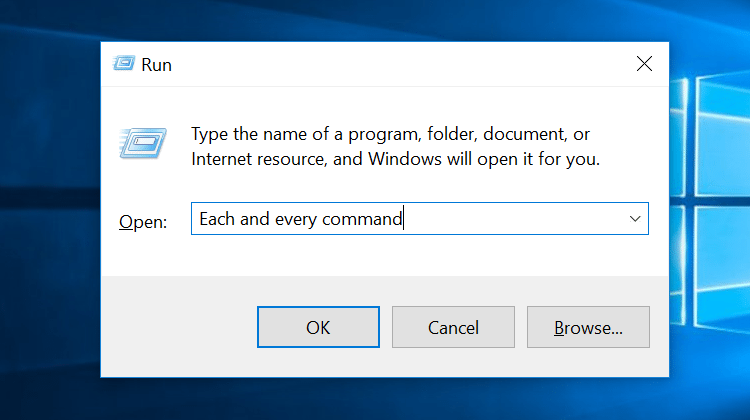
To
access any of these commands, click Start, then Run, and
enter the command in the Run field. The field is not case sensitive. Before
modifying any values within these utilities, however, be sure to read up on
what they do. Windows 7 doesn't always display Run in the Start menu. You
can also go to the Run line by using the keyboard shortcut Windows
Key + R.
Command
Opens
the command prompt
Compmgmt.msc
Opens
the computer management console
Devmgmt.msc
Opens
the device manager
Dfrg.msc
Opens
Windows' disk defragmenter
Diskmgmt.msc
Opens
the disk management tool
Eventvwr.msc
Opens
the event viewer
Fsmgmt.msc
Opens
shared folders
Gpedit.msc
Opens
the group policy editor
Lusrmgr.msc
Opens
the local users and groups
Mailto:
Opens
the default email client
Msconfig
Opens
the system configuration utility
Msinfo32
Opens
the system information utility
Perfmon.msc
Opens
the performance monitor
Regedit
Opens
the registry editor
Rsop.msc
Opens
resultant set of policy
Secpol.msc
Opens
local security settings
Services.msc
Opens
services utility
Sysedit
Opens
system configuration editor
System.ini
Windows
loading information
Win.ini
Windows
loading information
Winver
Shows
current version of Windows









Comment Box